Stop Juggling. Start Thriving.
Order Chaos
Handwritten tickets, missed orders, and frustrated customers
Table-based digital orders with a clear kitchen workflow
Menu Confusion
Outdated menus, unclear descriptions, and endless questions
Rich digital menus with photos and detailed information
Customer Disconnect
Limited engagement and no order history tracking
Customer ordering with itemised history saved on their device
One Platform. Two Roles. Mobile and Web.
An iOS workspace for your team, with iOS and browser ordering for your guests
For Restaurant Owners
Take control of your operations
- Edit menu categories, dishes, prices, and availability
- Receive orders directly on your device
- Move kitchen orders from new to in progress to closed
- Review archived orders and their totals
For Your Customers
Elevate their dining experience
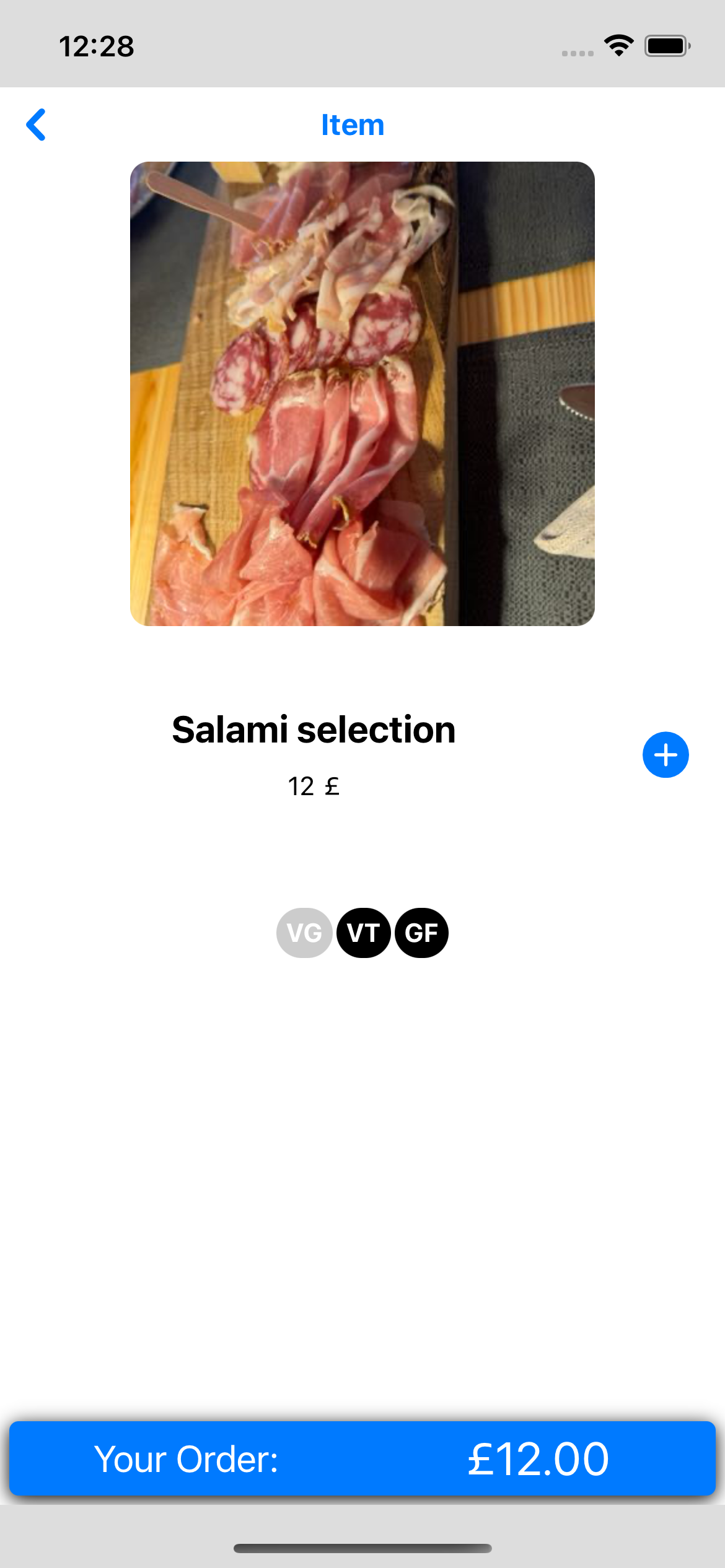
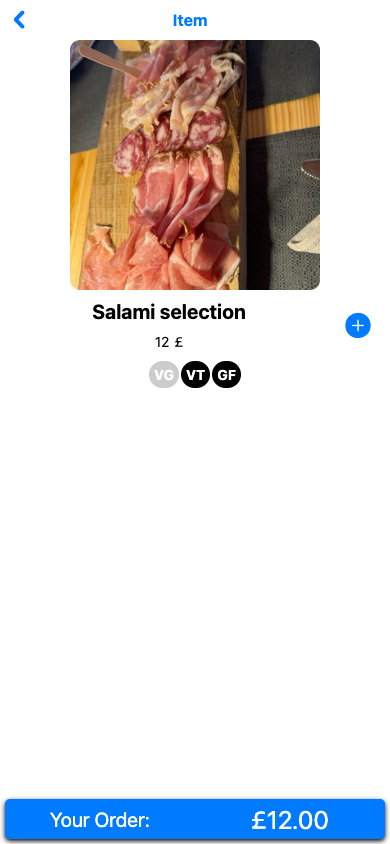
- Browse beautiful digital menus
- Enlarge dish photos and check dietary labels
- Add available dishes and see a running total
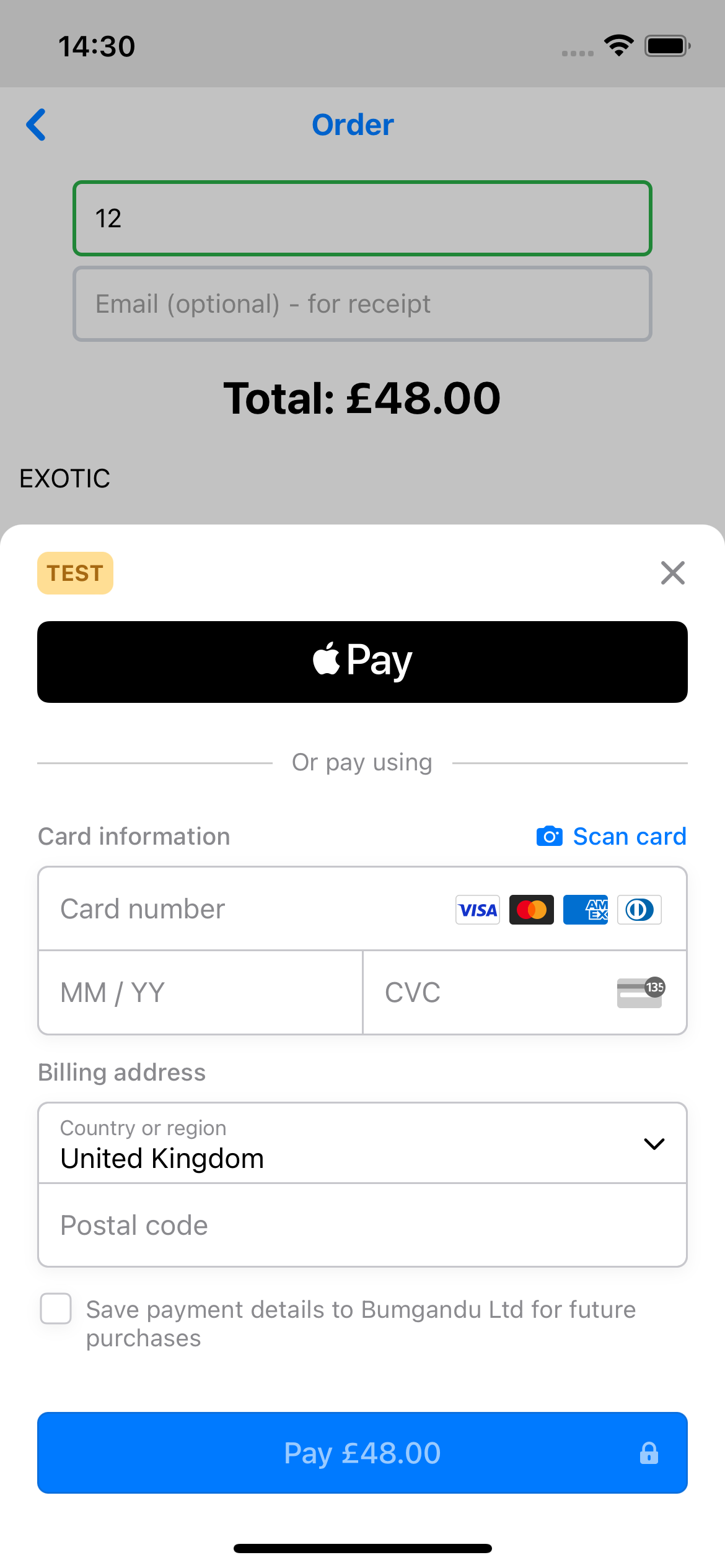
- Pay by card or Apple Pay on supported iOS devices
Everything You Need to Run Better
Practical tools for your team and a shared ordering experience for your guests
Menu & Availability Control
Edit dishes and mark them unavailable in the iOS admin app. Customers load the latest menu when they open or refresh it.
Smart Order Management
Review orders by table and update their kitchen status. The admin order list refreshes every 60 seconds.
Rich Menu Experience
Open dish photos full screen, read descriptions, and check vegan, vegetarian, and gluten-free labels before adding available items.
Payment Checkout & Order History
Guests enter a table number and optional receipt email, then complete payment. The iOS Customer App supports card payments and Apple Pay, subject to device, Wallet, and merchant configuration. Order history is saved on their device.
Simple to Start, Easy to Use
Request a Demo
See Bumgandu in action with a personalized walkthrough
Set Up Your Menu
Organise your categories, dishes, photos, prices, and availability
Go Live
Walk through customer checkout and your team's kitchen workflow
Why Choose Bumgandu for Your Restaurant
See the Current Customer Experience
Explore mobile ordering on iOS and Web, including Apple Pay and card payments in the iOS app.