Restaurant Administration on iOS
Manage your menu and give kitchen staff a clear Orders Management workspace to organise preparation and easily manage orders by table.
Menu control for your team. Order management for your kitchen.
Manage Your Menu on iOS
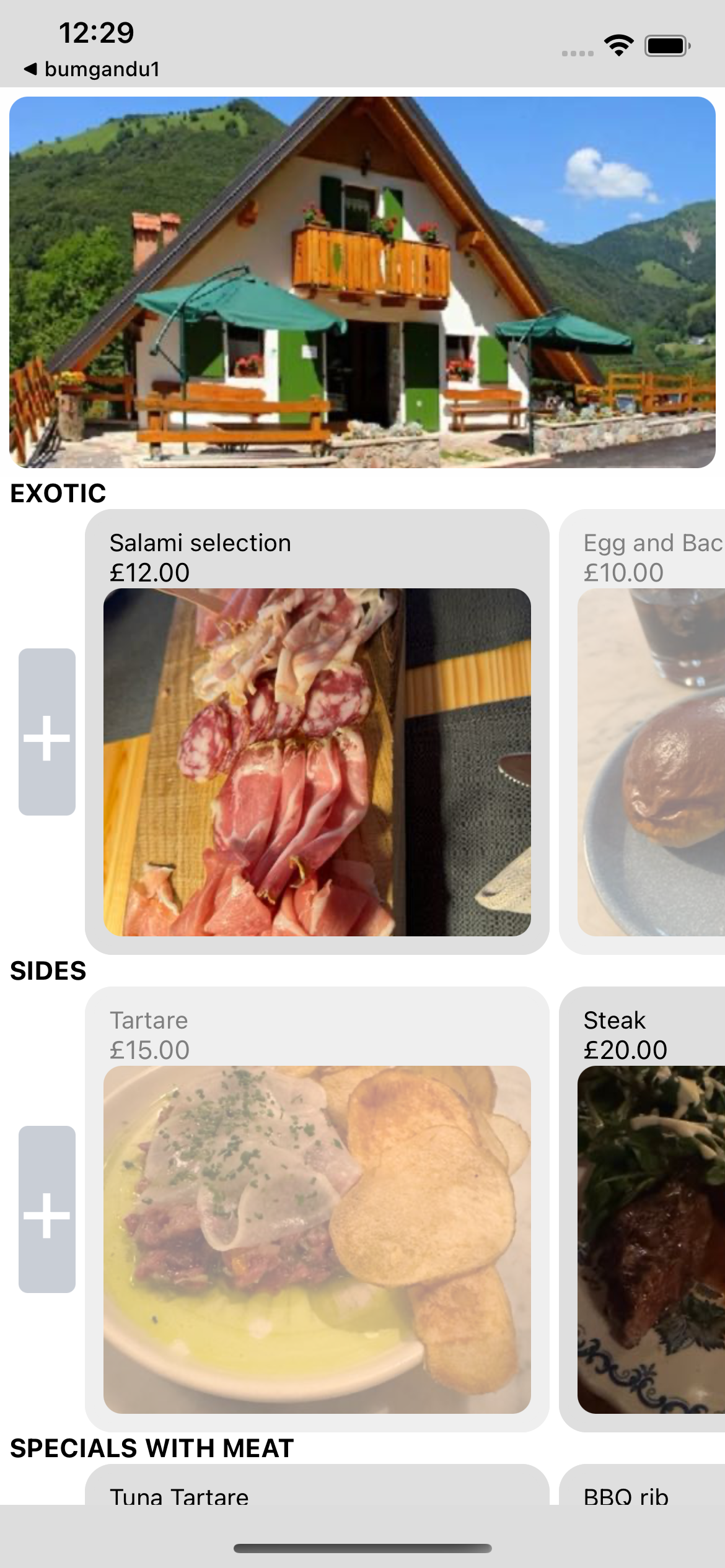
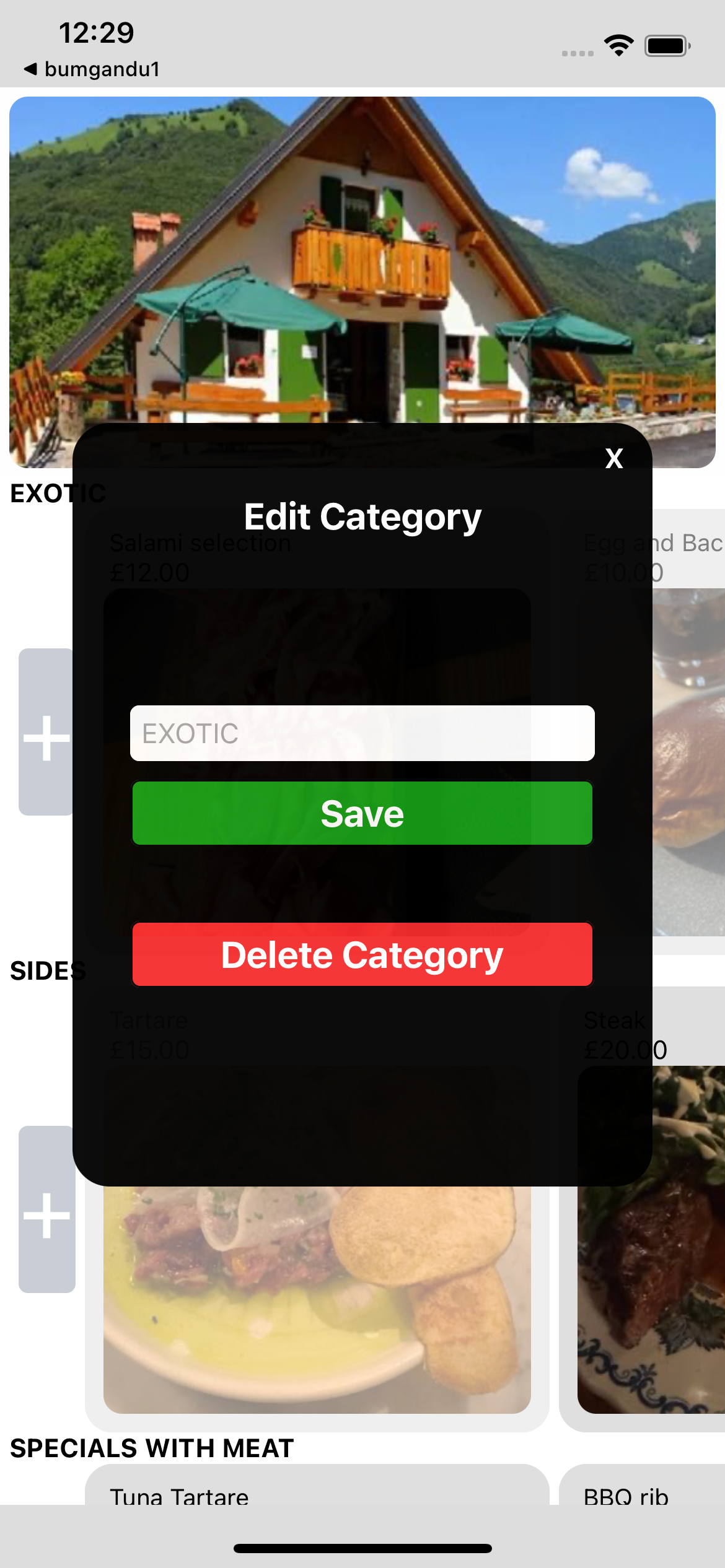
The Restaurant Administrator can create the menu from scratch and fully manage it in the iOS app. Add or modify categories and menu items, all from the same device. Use the device's camera to photograph your dishes, then select those photos from its photo library to add them to your menu.
Create your menu, keep it up to date, and showcase your dishes using one device.
Edit Dishes and Control Availability
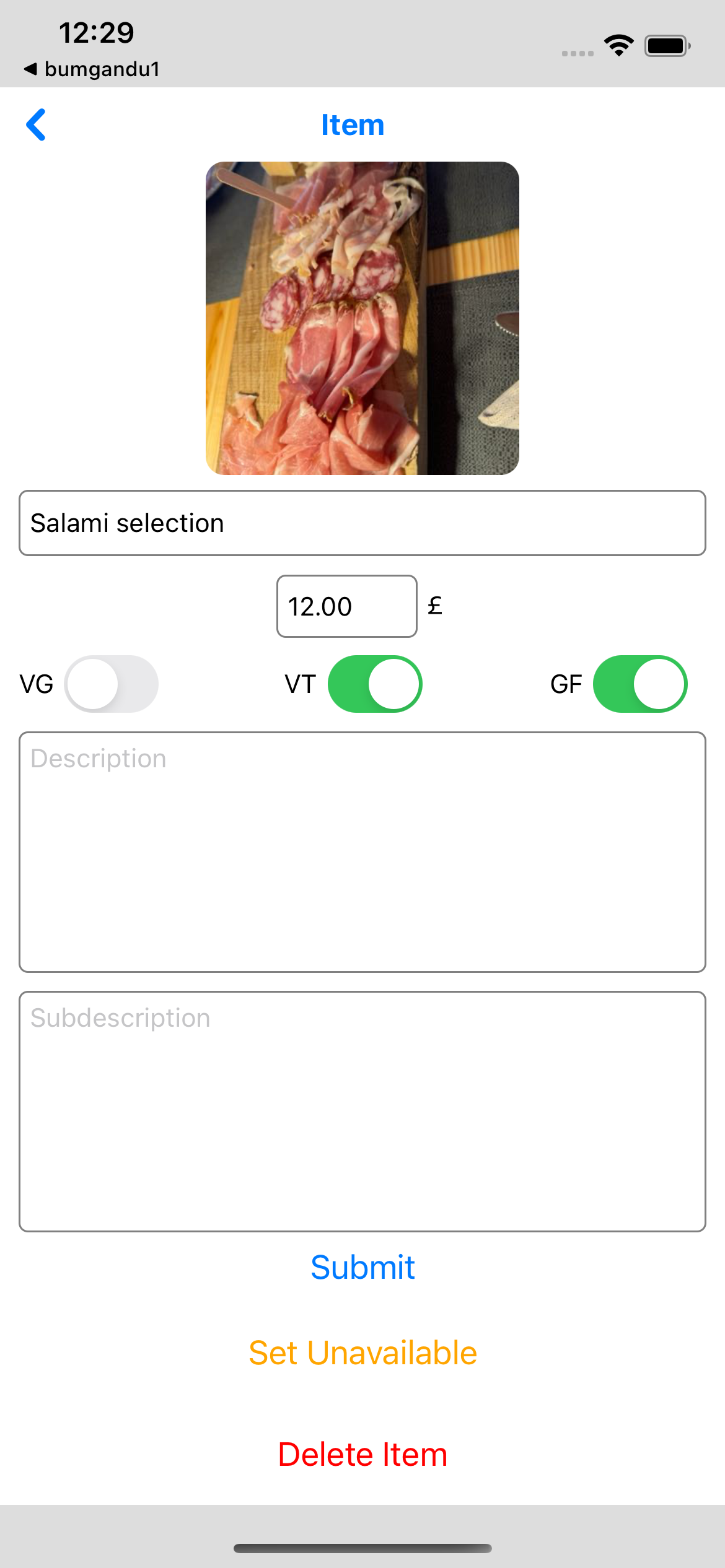
Update the dish name, price, descriptions, and dietary flags. Mark dishes unavailable without removing them from the menu. Customers see the latest saved menu when they load or refresh it.
The availability control connects your team's menu edits to the customer ordering experience.
Open Your Restaurant Workspace
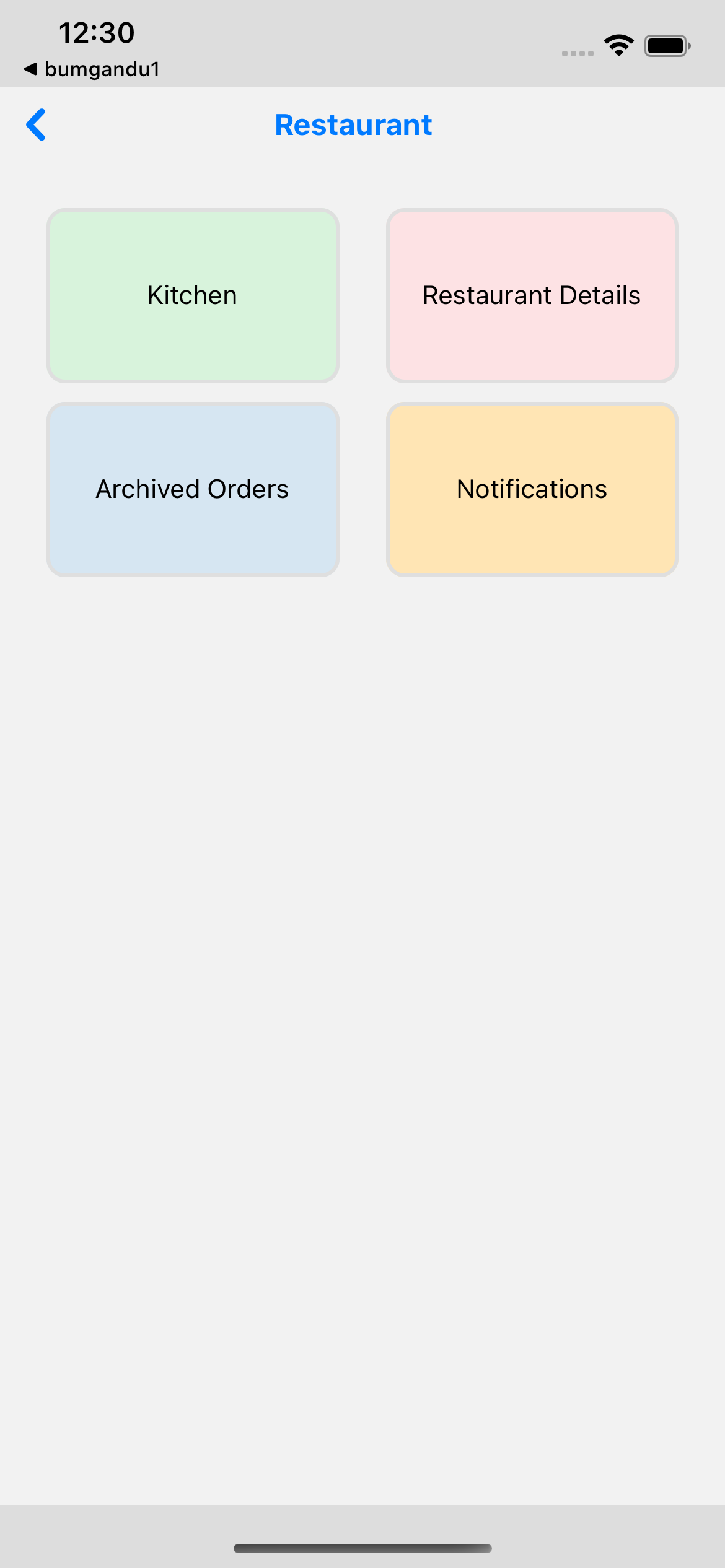
Access Kitchen, Restaurant Details, and Archived Orders from the restaurant screen. The Notifications tile is currently a placeholder, not a push-notification feature.
Bring menu control, kitchen orders, and archived orders together in your team's workspace.
Orders Management for the Kitchen
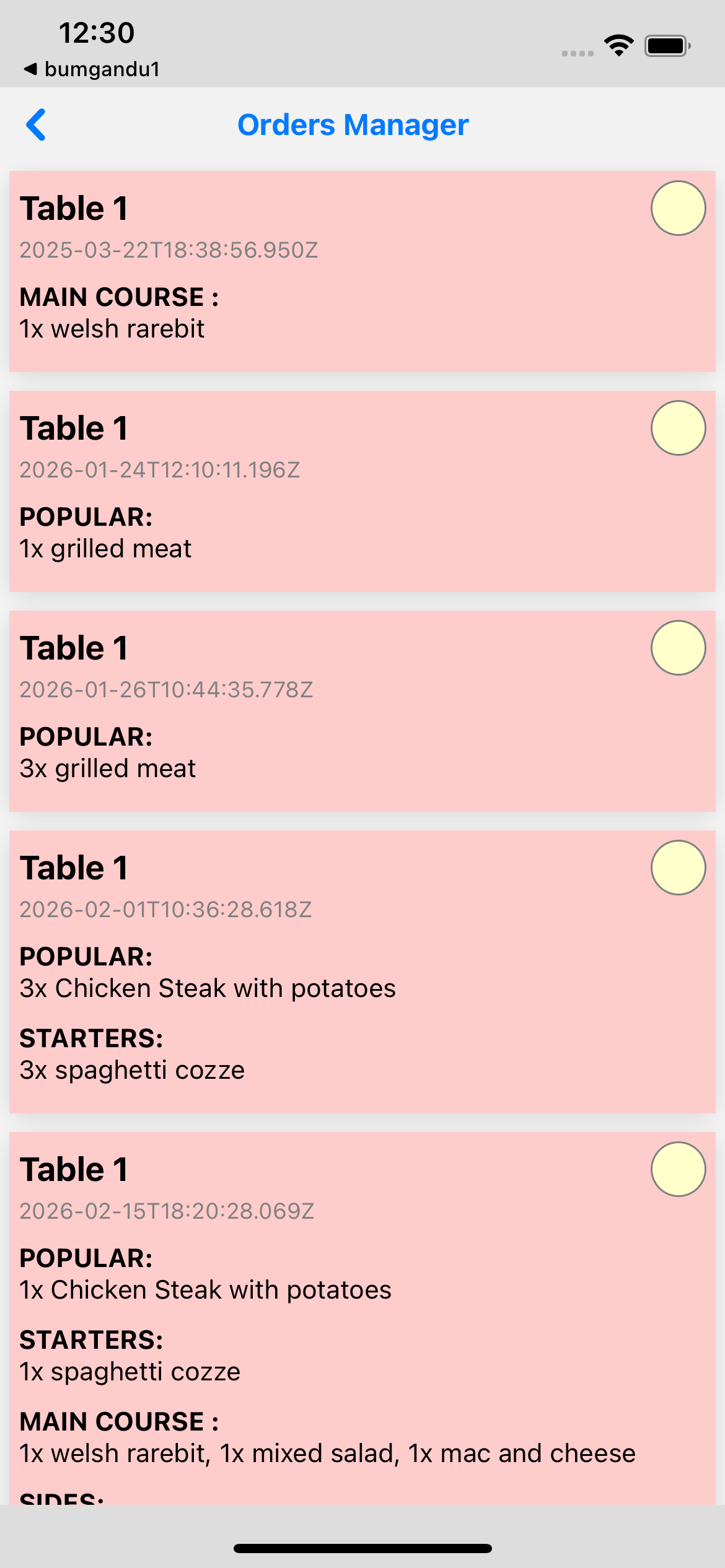
Orders Management is designed to help kitchen staff easily manage incoming orders and organise preparation. See each table's dishes, quantities, and order time in one place, then move orders from new to in progress to closed as the kitchen works through them. Status changes require confirmation, and the list checks for updates every 60 seconds.
Built for the kitchen: know what to prepare, for which table, and which orders still need attention.
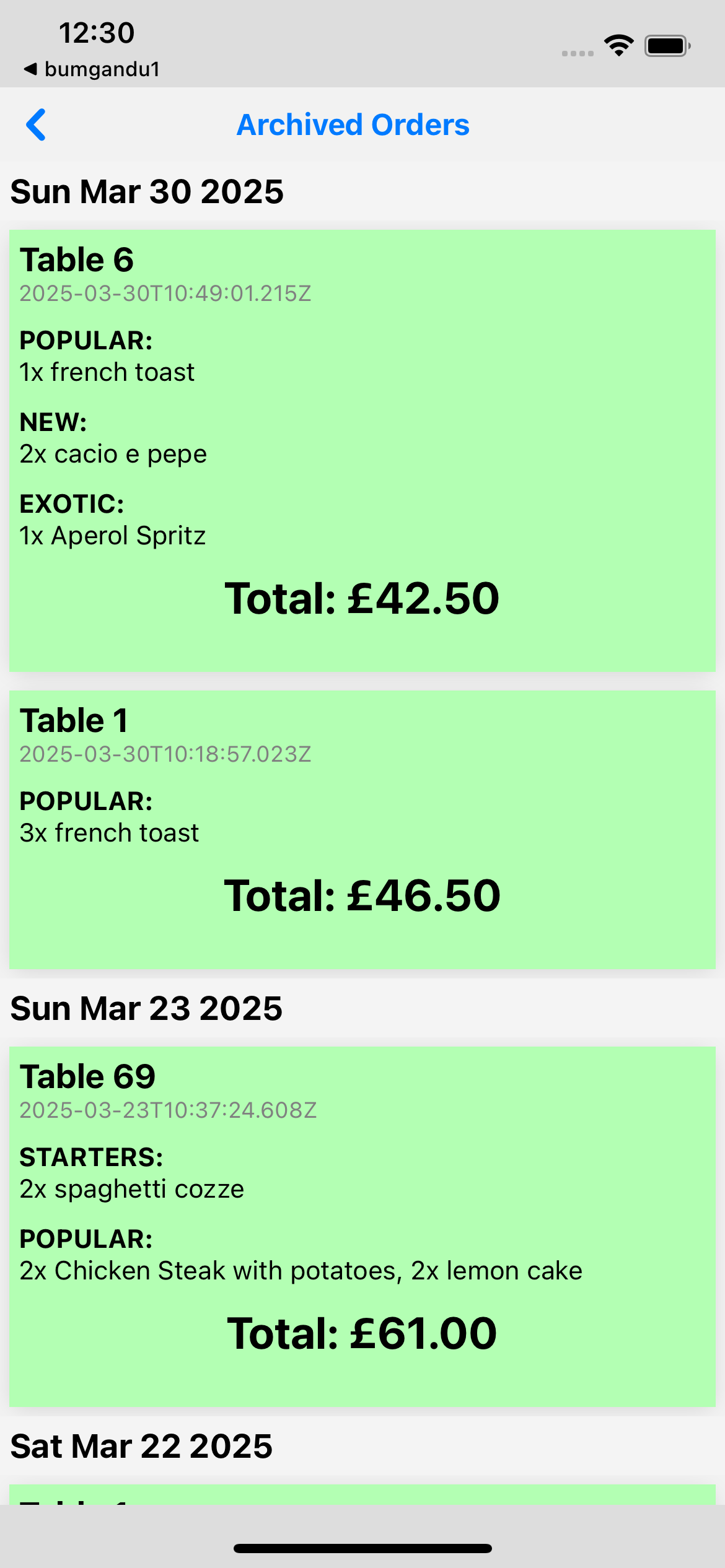
Review Archived Orders
Open archived orders to review past order contents and totals. This is an order archive, not an analytics or reporting dashboard.
A record of completed service, with the details your team needs.