
Customer Ordering: iOS and Web
Let guests browse your menu, build their order, and check out on iOS or Web, with Apple Pay available in the iOS app.
From menu browsing to Apple Pay and card checkout
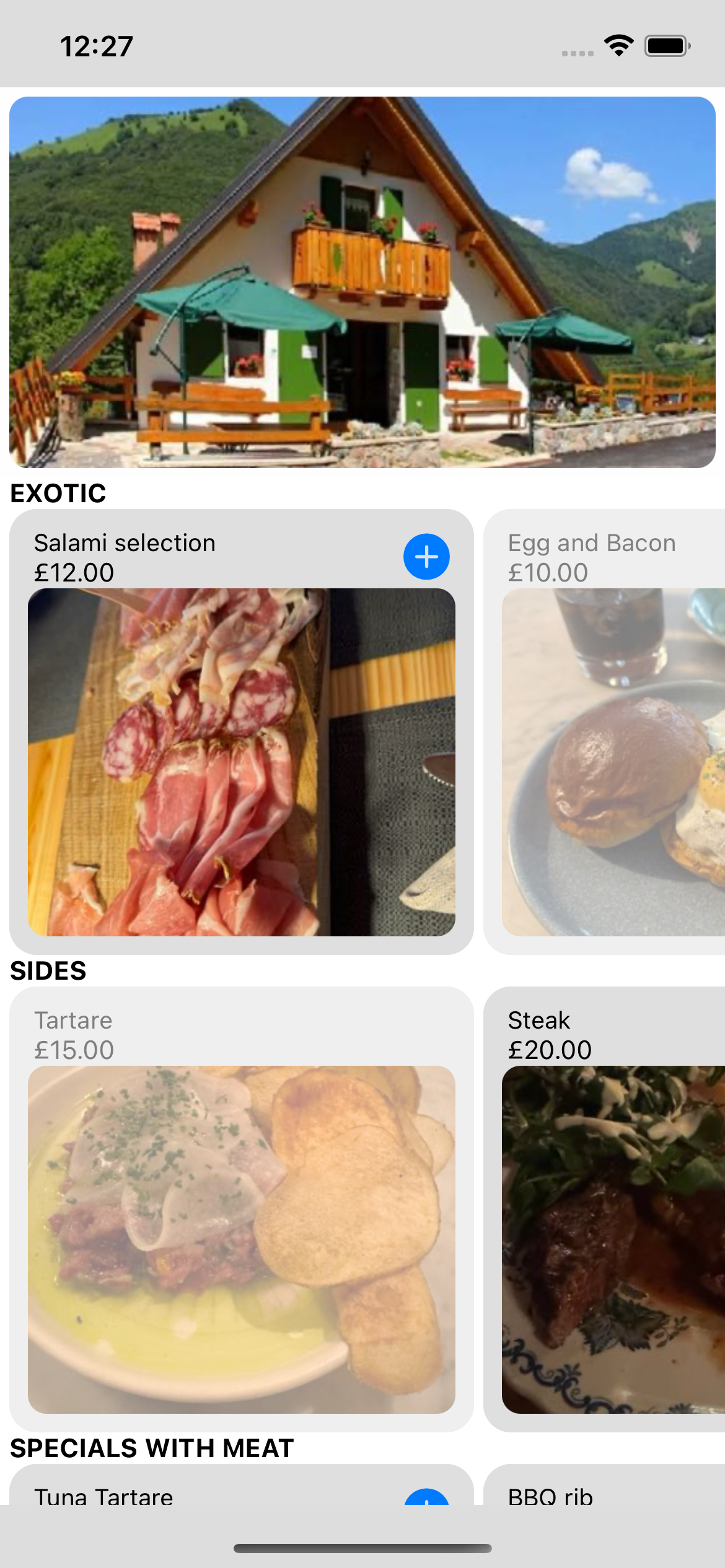
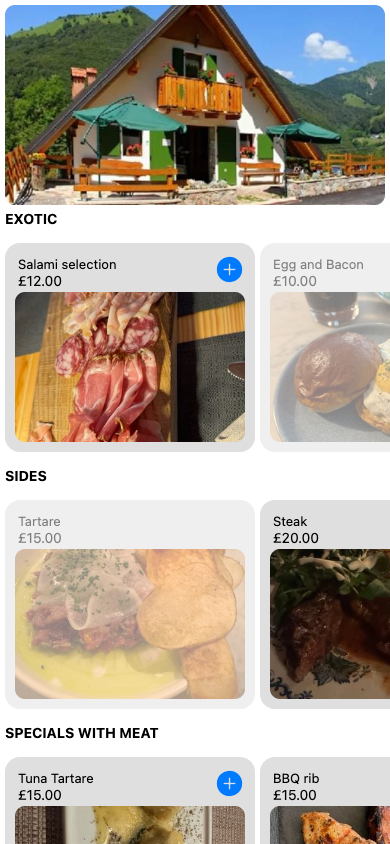
Browse the Same Menu on iOS and Web
Explore restaurant categories, dish photos, and prices. Unavailable dishes are visually muted. Open or refresh the menu to retrieve the latest restaurant updates.
Customer ordering is available in the iOS app and directly in a browser.
Add a Dish without Leaving Its Details
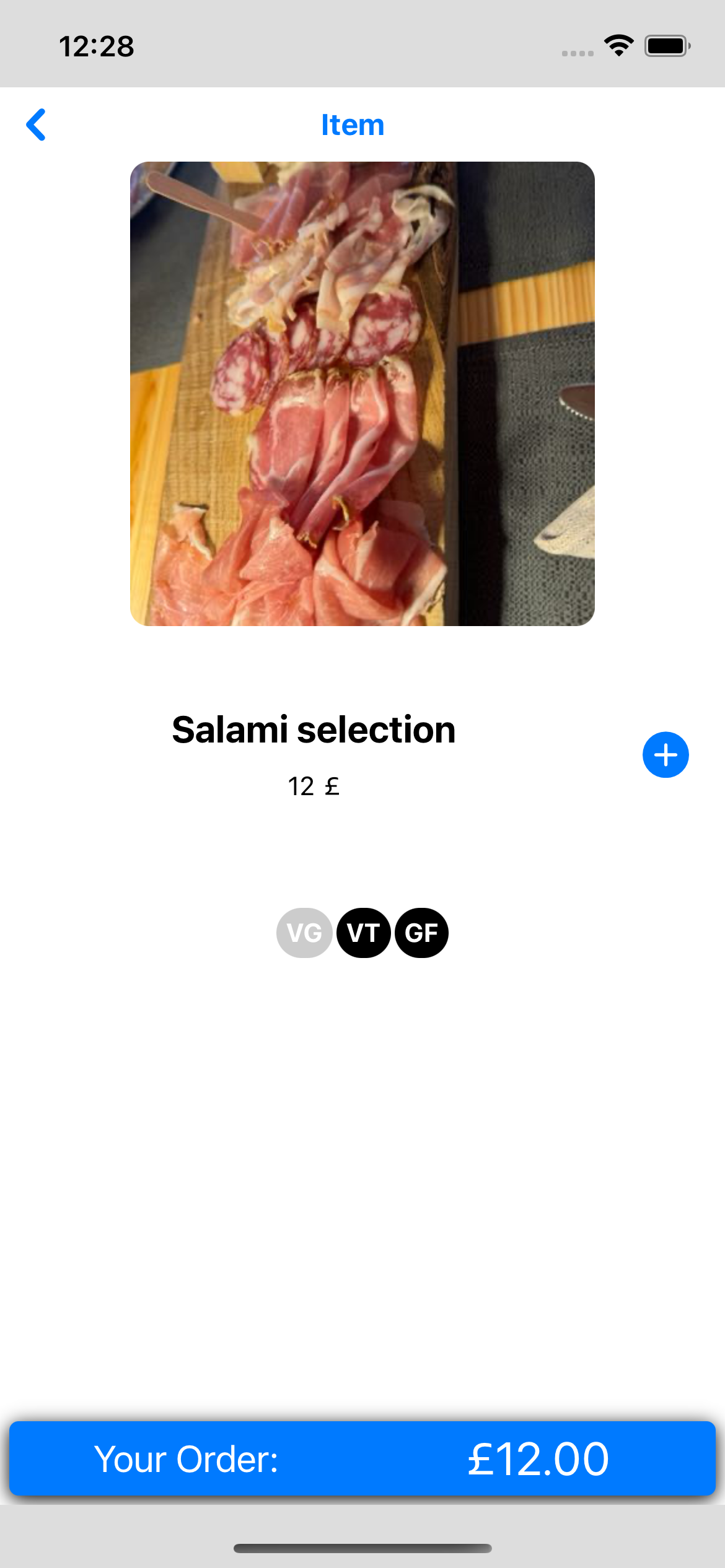
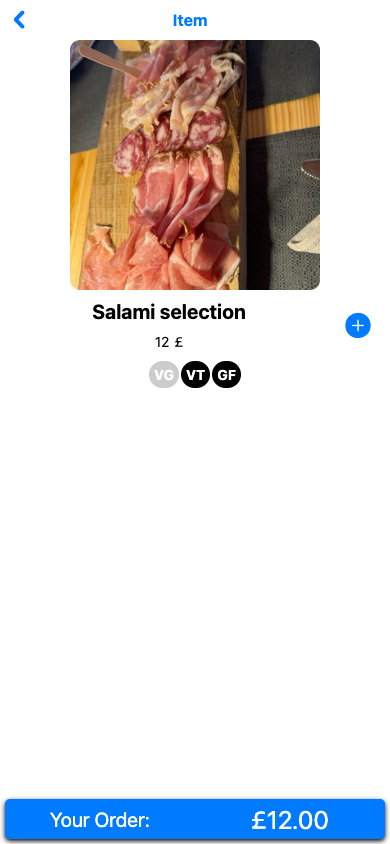
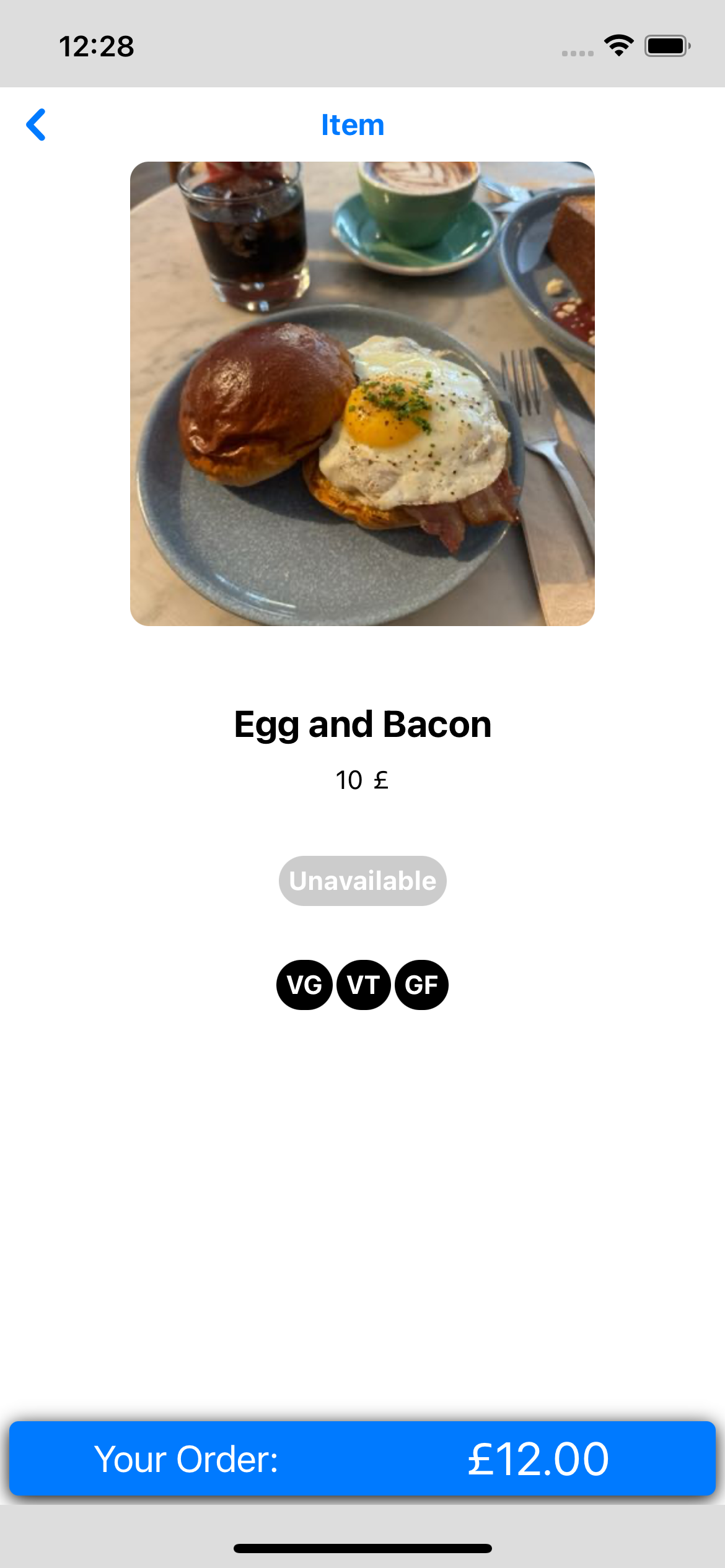
Check the dish name, price, descriptions, and vegan, vegetarian, or gluten-free labels. Tap the plus button to add an available dish; the order bar immediately shows the running total and opens your order summary.
The latest item-details experience puts adding dishes and reviewing your total together.
Take a Closer Look at the Photo
Tap the item photo to open the full-screen viewer on either platform. The iOS viewer supports pinch and pan gestures, then returns to the dish without losing your order.
A larger view of the dish, without leaving the ordering flow.


Know When a Dish Is Unavailable
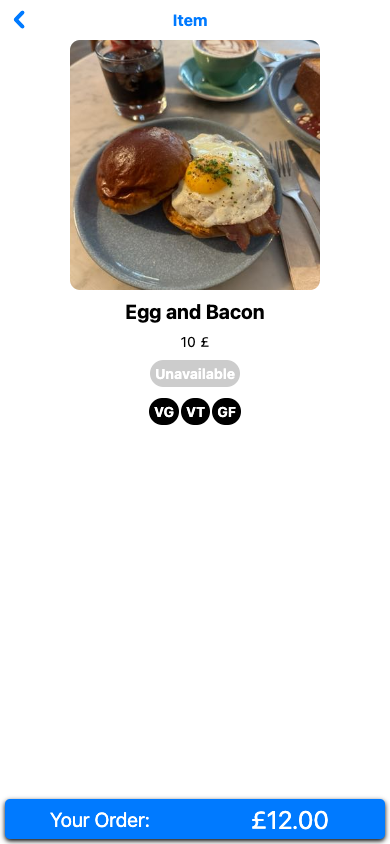
Unavailable dishes show a clear badge and no add button. You can still inspect their photos and dietary labels, while your existing order total remains visible.
Availability is reflected in both customer experiences.
Review Your Order and Table
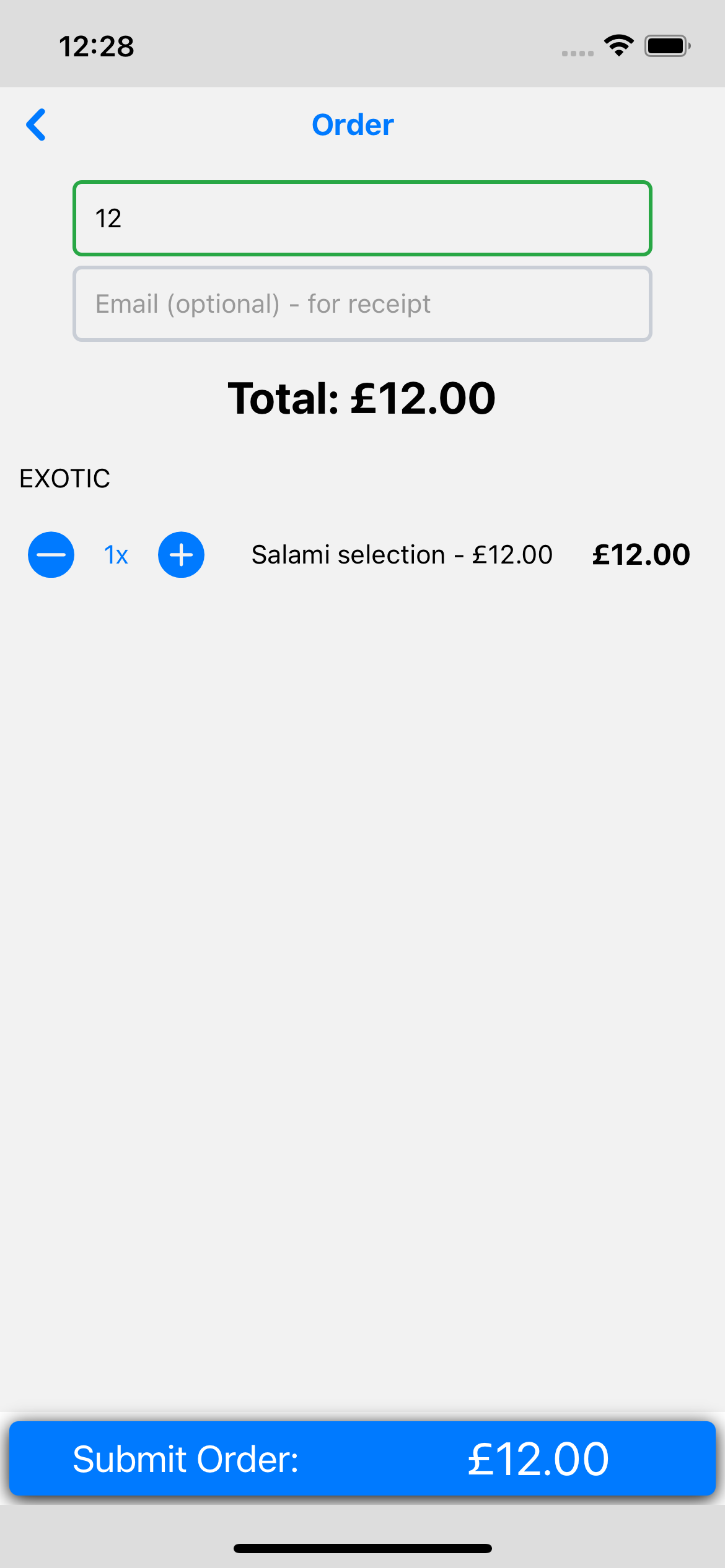
Review quantities and the total, then enter your table number. A receipt email is optional. The iOS Customer App opens a payment modal for card payments and Apple Pay on supported devices. Apple Pay requires an eligible card in Apple Wallet and enabled merchant configuration. Browser checkout includes an embedded payment form.
Help guests review their order and table details before choosing how to pay.
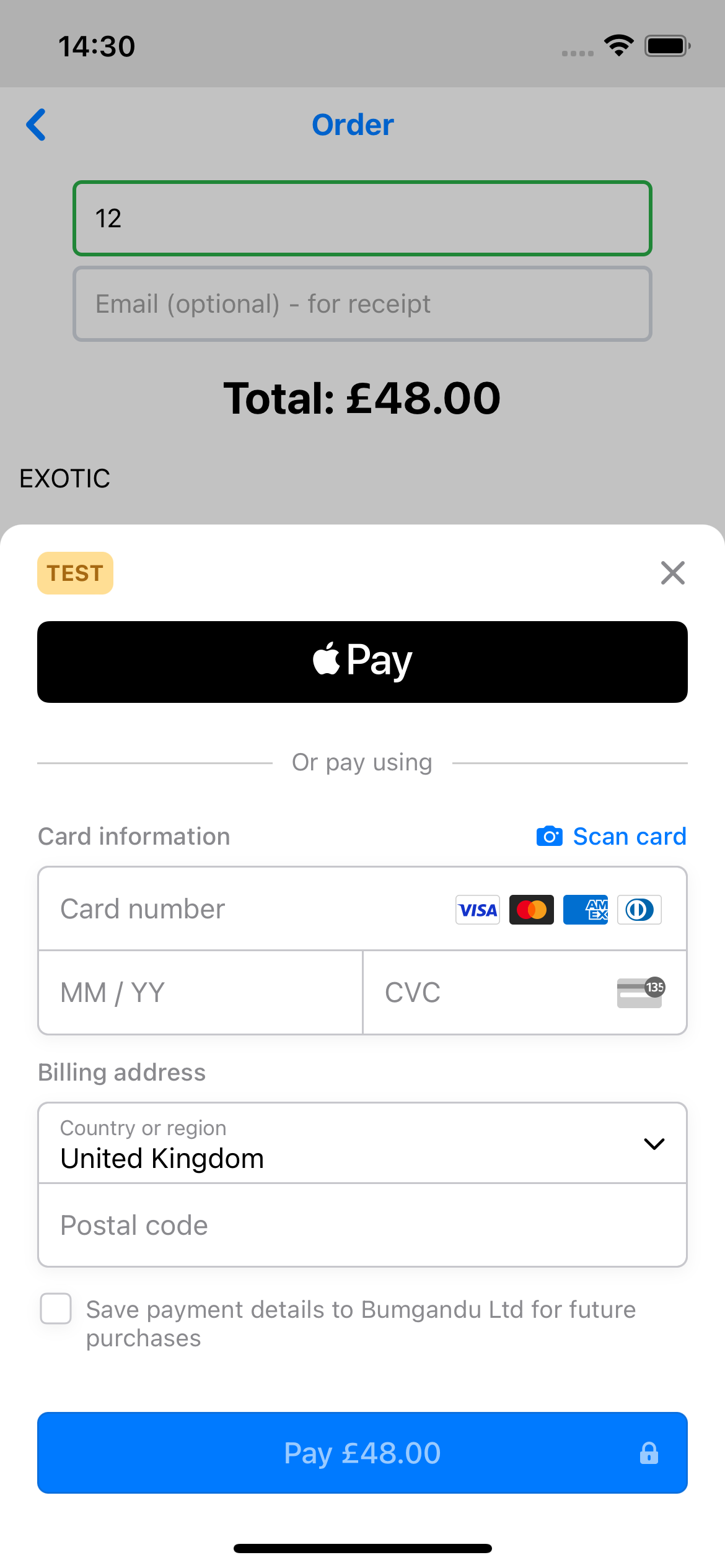
Pay with Apple Pay or Card on iOS
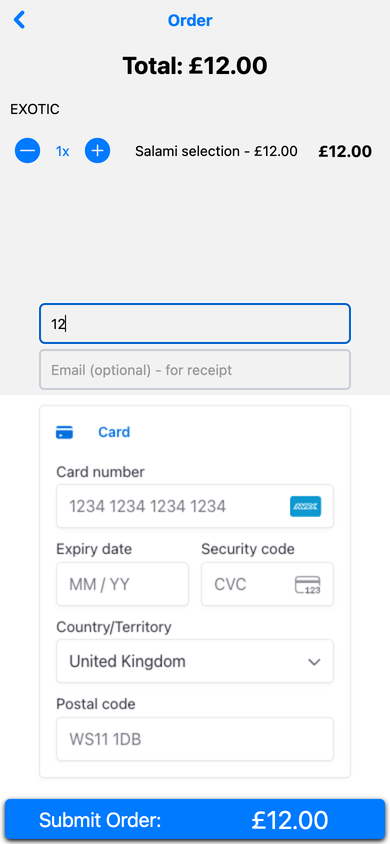
This is the iOS Customer App's actual payment modal: Apple Pay appears above the card-entry form. Choose Apple Pay on a compatible device with an eligible card in Apple Wallet, or enter card details. Available methods depend on the restaurant's payment configuration.
Give guests a familiar choice: Apple Pay on supported iOS devices or card payment, right in the app.
Continue to Checkout and Order History
Review quantities and totals, enter your table number, and optionally provide a receipt email. Pay by card or Apple Pay in the iOS Customer App's payment modal; Apple Pay availability depends on your device, Apple Wallet setup, and merchant configuration. Web checkout uses an embedded payment form. Successful orders are saved in local history on the same device or browser; receipts show order contents rather than live kitchen progress.